
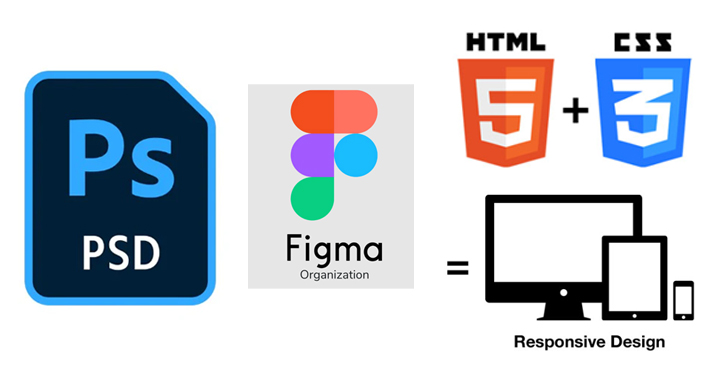
Turning PSD (Photoshop) or Figma designs into a functional website involves several steps. Here’s a breakdown:
1. Export Assets
- From PSD: Slice and export images/icons from Photoshop.
- From Figma: Export assets as SVGs, PNGs, or JPEGs. Use Figma’s “Inspect” tab to get CSS properties.
2. Convert Design to HTML & CSS
- Write HTML for the structure.
- Use CSS (or TailwindCSS) for styling.
- Implement Flexbox/Grid for layout.
3. Add Interactivity (JavaScript)
- Use JavaScript (or jQuery/GSAP) for animations and interactivity.
4. Make It Responsive
- Use CSS media queries or Bootstrap/Tailwind.
5. Integrate with a Framework (Optional)
- React.js, Vue.js, Next.js for dynamic sites.
- WordPress if CMS is needed.
6. Optimize & Deploy
- Minify CSS/JS.
- Optimize images.
- Deploy via Netlify, Vercel, or traditional hosting.
Do you need help with a specific step, or would you like me to generate the HTML/CSS for a Figma/PSD file? 🚀
Post Views: 100